Microsoft Dynamics AX 2012 R2 AxBuild.exe
When the new features of Cumulative Update 7 for Microsoft Dynamics AX 2012 R2 were announced, like most AX-focused technicians I immediately started testing the new AxBuild utility. It was not the only change, but it was clearly one of the most expected improvements to reduce application compile times, which had increased significantly since R2 was released (we had been discussing this for a while).
To understand this utility and why it improves performance so much, keep these concepts in mind:
- The AOS service runs as a 64-bit service. The AX client is a 32-bit application.
- Until then, X++ compilation and AOT object validation ran in the client. That still happens if we compile from the client as usual.
- These two points reveal a bottleneck: first, client-server traffic to move all objects required for compilation; second, lower performance from running the process in a 32-bit application with memory and CPU limitations.
The new AxBuild utility removes the client from the compilation process entirely (removing the 32-bit constraint), and can launch as many AOS processes as possible to leverage all available CPUs. By default, it launches 1.4 worker processes per CPU, although this can be configured.
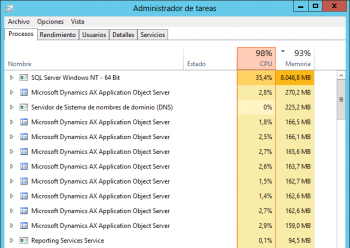
In my case, the test environment was not a server machine but a desktop workstation, fairly powerful but still a desktop (AMD Athlon II X4 640 with 16 GB RAM, with 6 cores and 12 GB memory assigned to the VM).
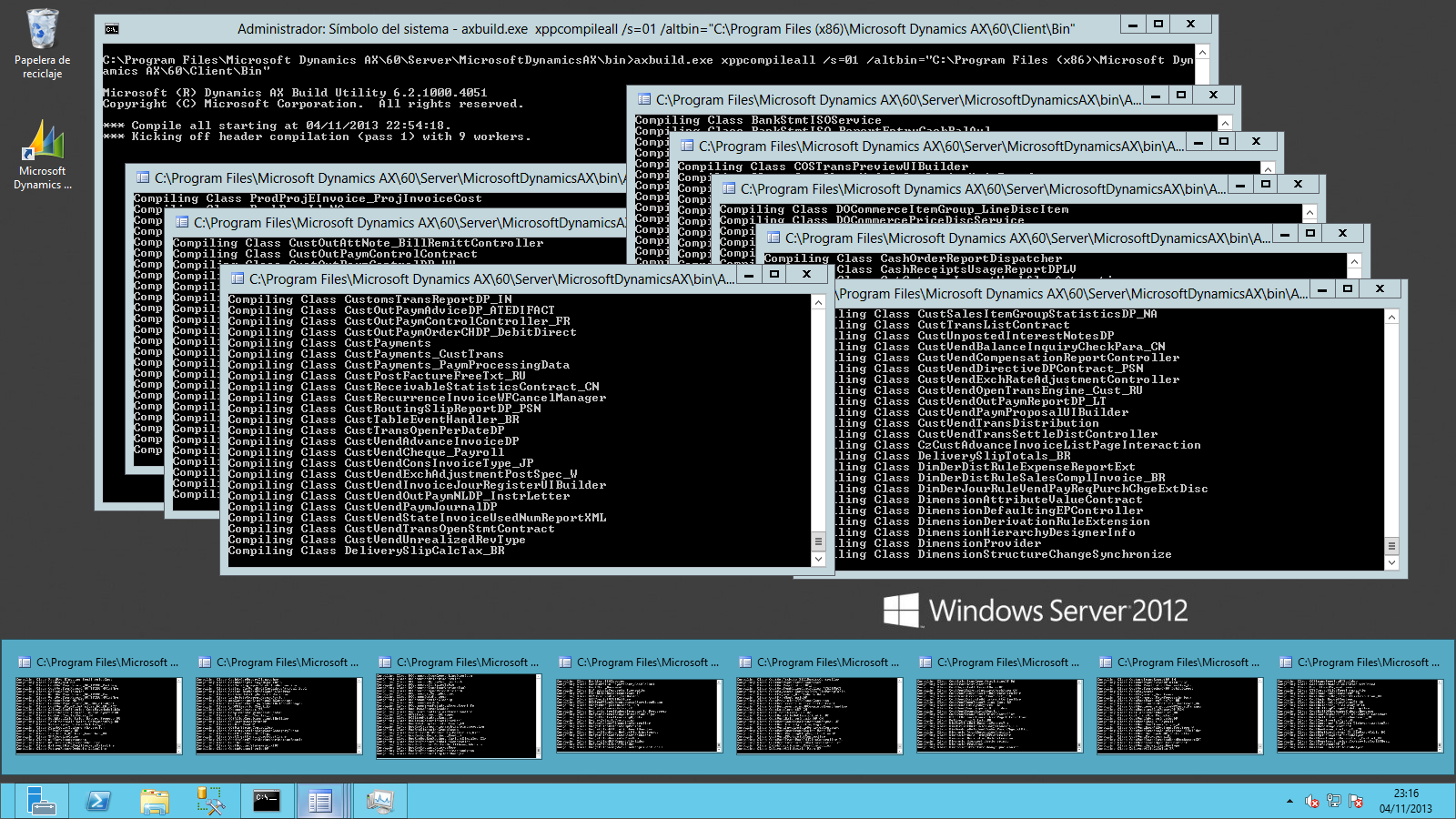
In this environment, compile time for a fresh application install dropped from around 30 minutes (with default setup) to about 20 minutes by configuring exactly one worker per CPU. In both cases this is a significant improvement compared to the several hours it used to take before, and almost a full day before installing hotfix KB2844240, which is still relevant although already included in later release updates.

This time can certainly be improved further on a server optimized for compilation, as other colleagues already demonstrated:
Using CU7 to compile #ax2012 r2 in 10-15 minutes http://t.co/Adpel3W2bL #msdynax #msdyncomm
— Joris de Gruyter (@jorisdg) November 3, 2013
I planned to run additional tests with older application versions and further server tuning, but due to blog downtime this week I could not finish those tests and others already published excellent analyses, so I strongly recommend reading these two articles:
- What You Need To Know About the 15-minute CU7 Compiler (Joris)
- You got to love AXBuild Compiler Tool (Tommy)
It is also worth reviewing official documentation where internals and parameters are described in detail:
- AxBuild.exe for Parallel Compile on AOS of X++ to p-code
- Parallel X++ Compilation for Microsoft Dynamics AX 2012 R2 with Cumulative Update 7