
Microsoft Certified Trainer (MCT)
I finally got my Microsoft Certified Trainer (MCT) status. I am delivering a lot of workshops for customers these days and I thought it was about the time.
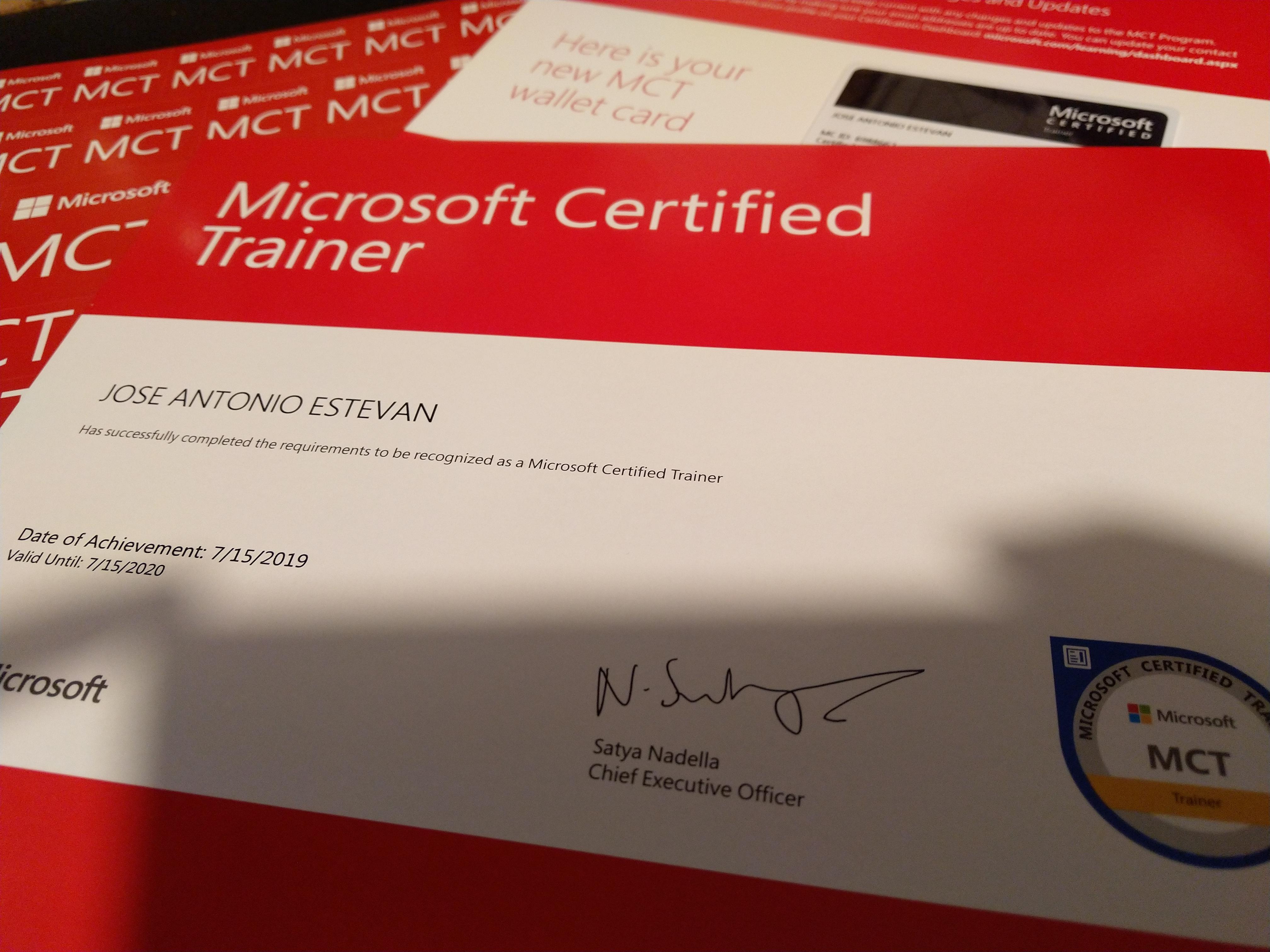
Not like the MVP kit but you know, it’s never too much swag :)
Published first on LinkedIn, let me a comment there to see your thoughts!
Acceptance Test Libraries (#ATL) for Dynamics 365 for Finance and Operations
One of the most exciting announcements in recent months (and that’s saying something, with how fast we move after OneVersion) for Microsoft Dynamics 365 for Finance and Operations developers is the ATL. This is the library that the product team uses to develop their own (unit or, better, integration) functional tests.
The Unit Testing framework has existed for a while in Dynamics AX, but it was complicated to use due to the complexity of maintaining the data needed to run the tests and allowing the creation of deterministic tests.
Read more
Dynamics 365 Saturday - Madrid 2019
Last Saturday, May 25, the Dynamics 365 Saturday - Madrid 2019 took place at Microsoft offices.
After the great experience last year, I couldn’t miss it. The event’s growth has been impressive, with more than 400 attendees it is one of the largest 365 Saturdays in the world, and both the quality of the sessions and the attendees’ response has been amazing.
As always, I share my session on OneVersion and continuous updates, a very interesting topic following the launch of the April version of Dynamics 365, which continues to evolve rapidly.
Read more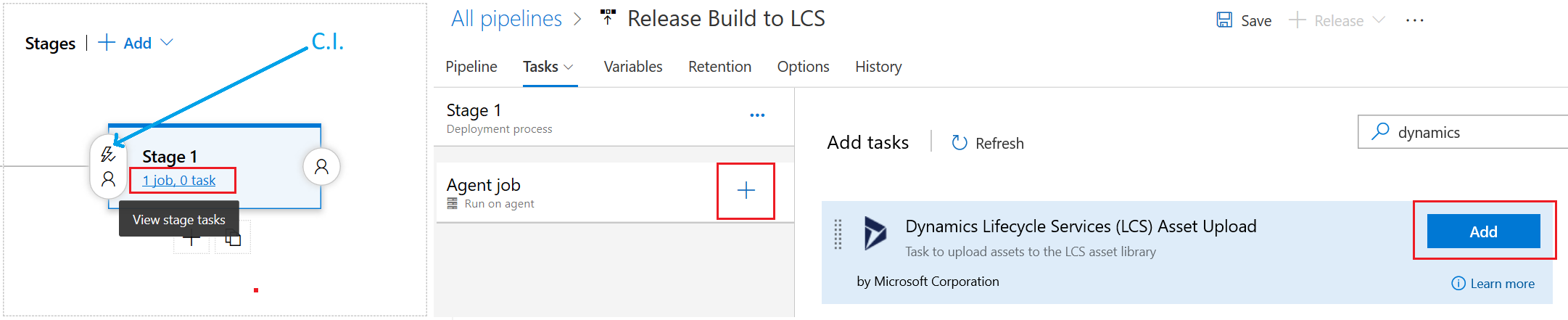
Release your Dynamics 365 for Finance and Operation packages to LCS with Azure DevOps Pipelines
The first automation task to close the continuous integration cycle in Dynamics 365 for Finance and Operations with Azure DevOps pipelines was released recently as described on the official announcement.
These are some high-level instructions to set it up while the official documentation is released:
Prerequisites
To keep things simple, these prerequisites should be prepared before starting this process:
- You need a running Dynamics 365 Finance and Operations build, and thus an LCS project linked to this DevOps instance. This article assumes a build is setup by deploying a Build Topology virtual machine from LCS as explained here.
- Install the extension Dynamics 365 Unified Operations Tools from the Visual Studio Marketplace on this link: https://marketplace.visualstudio.com/items?itemName=Dyn365FinOps.dynamics365-finops-tools Also prepare:
- A user with enough permissions in your LCS project (you must know the user and password). Consider using a service account whose password does not expire and not using 2FA.
- Access to the Azure Active Directory administration for your organization, with enough permissions to register a new Application in AAD (this needs to be done only once), as explained on the next step.
1. Register an Application in AAD (New version)
In order to authorize Azure DevOps Pipelines to connect to the new Lifecycle Services (LCS) API, an application must be created in the organization’s Azure Active Directory (Elevated permissions are required for this operation).
Read more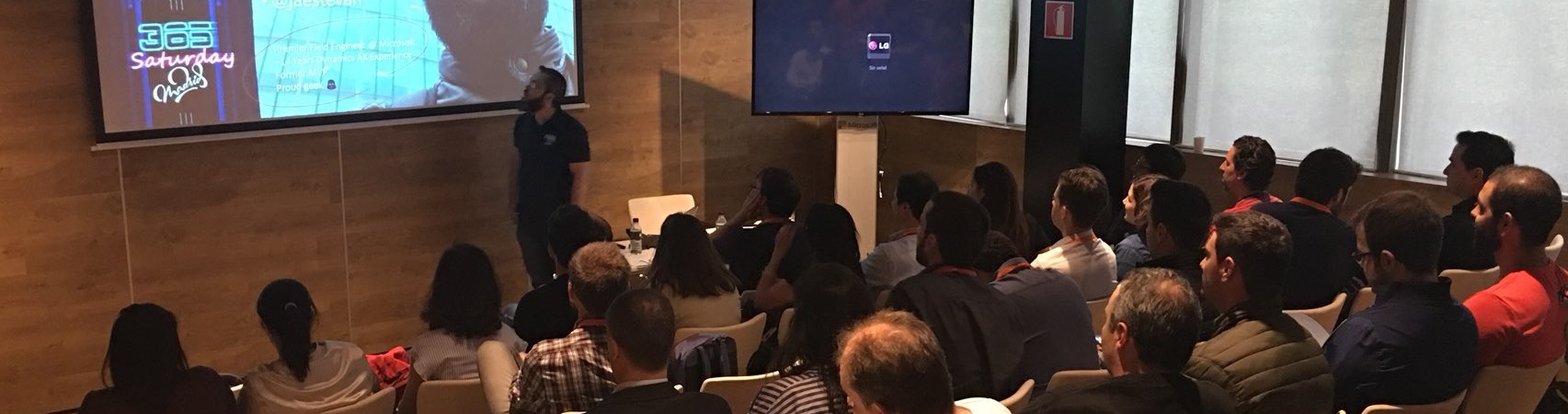
Dynamics 365 Saturday - Madrid 2018
Last Saturday Dynamics 365 Saturday - Madrid 2018 took place at the Microsoft offices in Madrid, where we spent the day with the community, sharing knowledge and conversations.

It was my first time attending and I will definitely repeat because the experience was really great. I delivered a session about Extensions in X++, which I share below, based on content I had already published in these articles:
Read more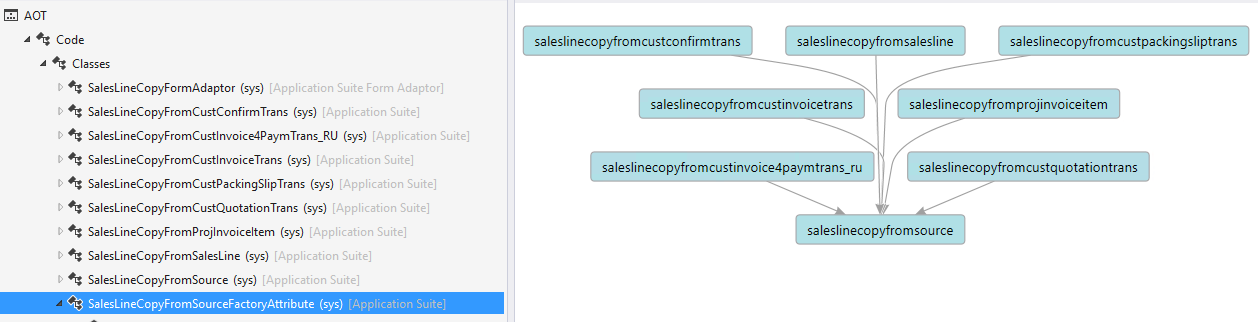
Embrace the extensions mindset with Dynamics 365 for Finance and Operations #2 – SysExtension framework
In my previous post Embrace the extensions mindset with Dynamics 365 for Finance and Operations we reflected on some of the patterns we can leverage to create our customizations by using only non-intrusive changes based on a real example: Adding a new Number Sequence to a standard module.
In particular, we discussed:
- Metadata Extensions — to add a new_ Enum Value in a standard Base Enum.
- Class Extensions — to add a new method to a standard class.
- Chain-of-Command — to add a block of code to an existing standard class method.
- Event-Handler subscription — to subscribe our own method to an existing standard delegate provided as an extension point.
If you still didn’t read that blog post, please take a moment now. If you already did it (thanks!), let’s continue with another pattern we have to consider: SysExtension Framework (also SysPlugin, that is quite similar).
Read more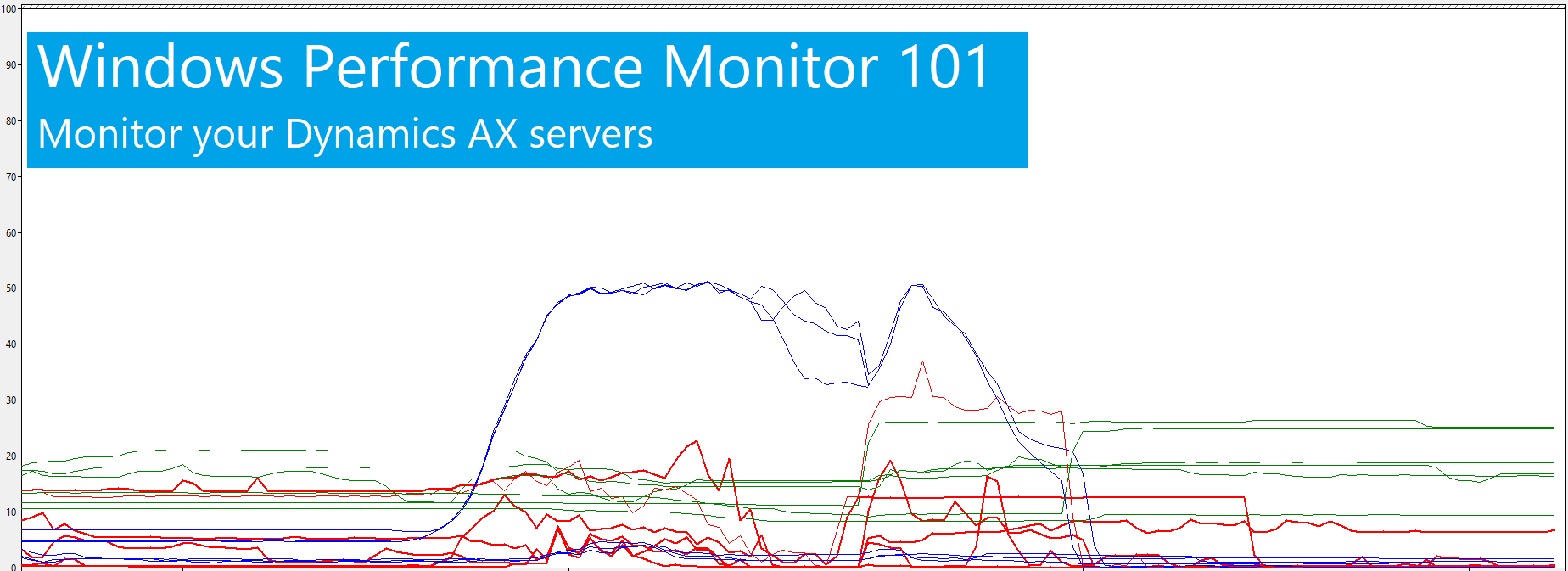
AX Performance Monitor 101 - Tips and tricks to deal with performance counter files
In my previous blog post, I explained how to setup Performance Monitor (PerfMon) to proactively capture performance data while cleaning old files to keep disk space under control. This is, let’s say, our ideal scenario, but sometimes setup is not that specific and we need to deal with suboptimal files that contains the performance data we need to analyze:
- We have too many files
- We have too few files
- We have some huge file that makes analysis or processing it too slow
- We have files captured in different languages Let’s have a brief description on how we can deal with some situations by introducing a couple of small but useful tools:
PAL - Performance Analysis of Logs
PAL is a small but really useful tool created by Clint Huffman that takes one perfmon counter file and creates a nice HTML report with graphs and descriptions that can be used as starting point for performance analysis. It’s not that the tool replaces a manual in-deep analysis of any potential problem, but it helps giving some tips that can be used to start looking for something else.
Read moreAX Performance Monitor 101 - Setup Perfmon for continuous monitoring with rolling files
Windows Performance Monitor (PerfMon) is likely the most useful tool (together with our DynamicsPerf package) to monitor and diagnose performance problems related with your Microsoft Dynamics AX infrastructure and, in general, for any software running on Windows operating systems. Given its importance, is surprising how many people is not using it properly or, even worst, is not using it at all.
I will briefly explain how to setup PerfMon to collect performance counters in all servers for continuous monitoring, creating log files per day, compressing and deleting old files to minimize disk space, along with some tips and tricks during the process:
Read moreEmbrace the extensions mindset with Dynamics 365 for Finance and Operations
A couple of weeks ago, we launched the last platform update 10 (August 2017) for Dynamics 365 for Finance and Operations, Enterprise Edition and, as in almost every release, there were changes regarding the Application Extensibility Plans.
A lot of effort is being invested in the journey to a non-intrusive way to extend the application, and it needs to be understood as a critical change in the way we think about customizations. More information about future plans can be found in the Dynamics Roadmap (Filter - Application: Dynamics 365 for Finance and Operations; Area: Extensibility). But sometimes it’s hard to change our mindset just by looking at these out-of-context upgrade notes, so I want to show how we can leverage some of the latest improvements to the X++ platform by looking at some real-life examples. Keep in mind the basic principle: we want to avoid intrusive changes.
Read more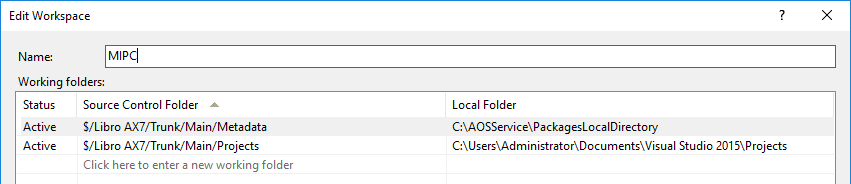
Working with the local development VM in Dynamics 365 for Operations
I’m not going to write a post about how to set up a local VM for Dynamics 365 for Operations development, because there have already been plenty of since the product launch a few months ago. It’s also clearly explained in the official documentation, so it would just be repeating what’s already been explained a thousand times.
The most important thing is to properly configure the connection with the Visual Studio Team Services project and the branch you are using, mapping the local folders accordingly. For example:
Read more