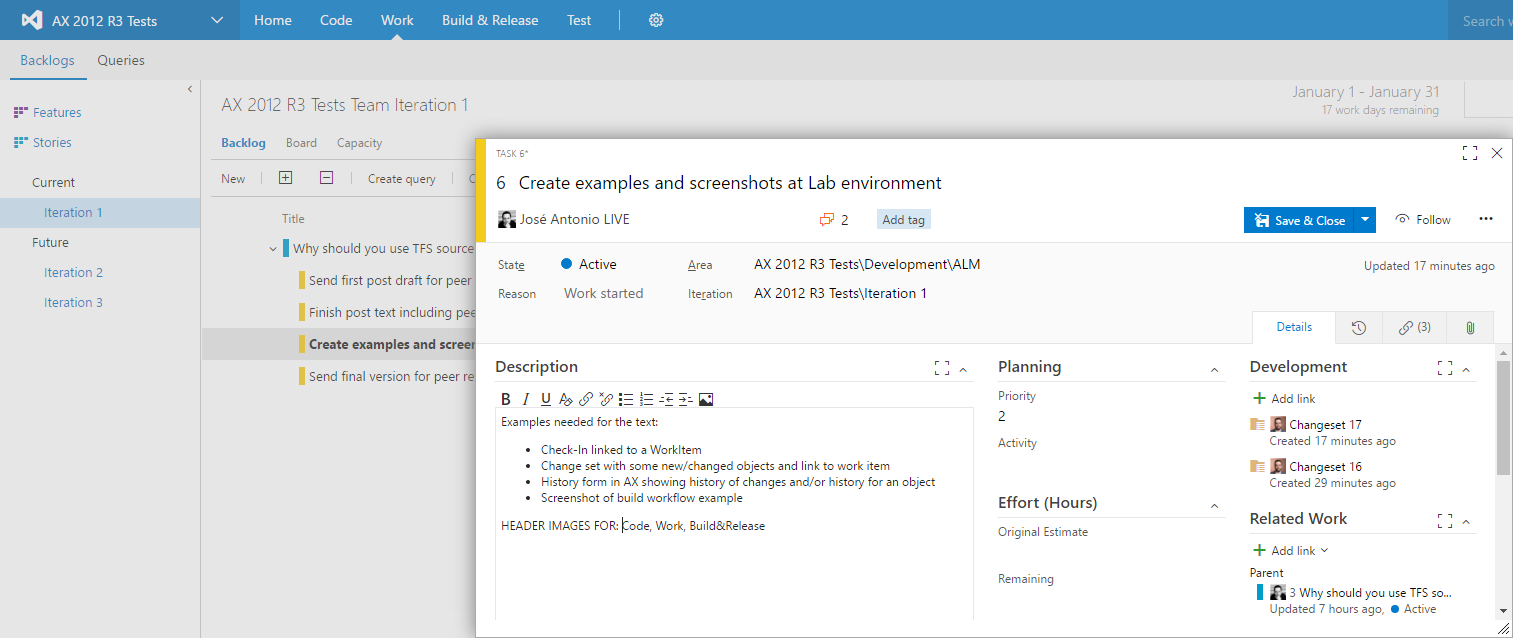
Why you should be using Team Foundation Server for Dynamics AX lifecycle management?
If you already use Team Foundation Server in your Dynamics AX projects, providing all benefits it can give to your teams, or if you are already convinced to use it soon, then this article is not for you.
You may not be convinced or, even worst, you may disagree about it to be beneficial to your methodologies and team behaviors. You can try to challenge my points with your project’s circumstances that make TFS unacceptable. That’s fine. I’m only asking you to read the full article first!
Read more
Microsoft Dynamics 365 for Operations
I bring you a summary of everything that has been announced over the past weeks about Microsoft’s plans to unify its business platform under a single umbrella, both in terms of marketing and architecture, as they already announced several months ago.
It took me a while to be able to write this article, and in the meantime many other things have been announced that are related to Dynamics 365, so I’m going to make a summary of all of them since we’re going to talk a lot about these topics in the coming months and this is a good starting point. After all, all this has been announced over the past weeks but general availability starts today November 1 :)
Read more
PowerShell and Startup Commands in Dynamics AX 2012 (PS-III)
In the first posts of this series, we learned PowerShell fundamentals and how to use extra cmdlet libraries, including those shipped with Microsoft Dynamics AX 2012, enabling many operations that simplify administration and maintenance.
But to use PowerShell in real DevOps systems, we must combine everything and use both AX-specific cmdlets and standard PowerShell capabilities to execute all required steps in a typical AX deployment and in many maintenance tasks.
Let us start with standard PowerShell
For example, we can use base PowerShell commands to check whether an AOS with a given name exists in the system, and start it if needed (likely not the best possible implementation, but illustrative for this case):
Read more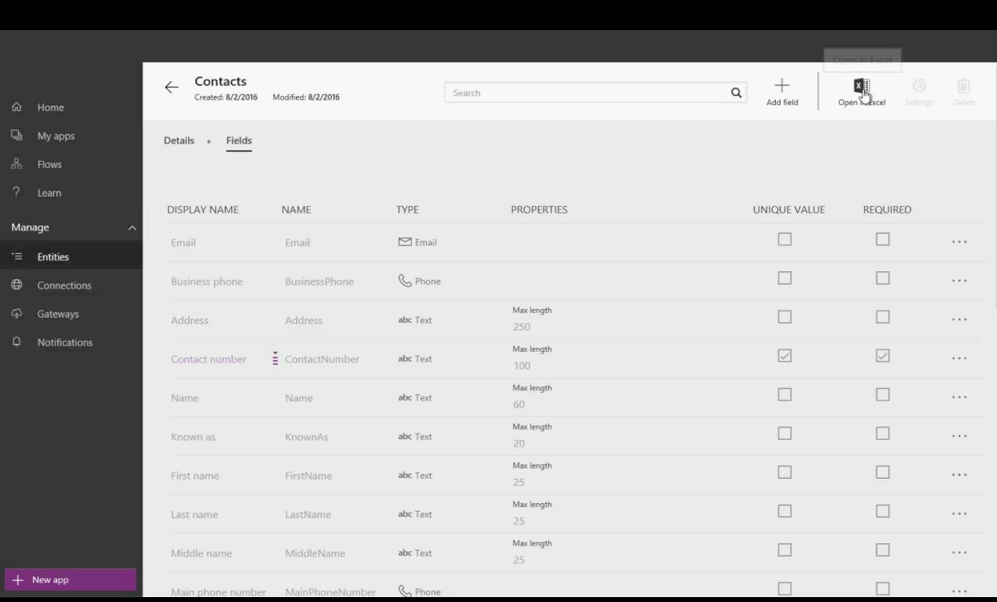
Microsoft Common Data Model (CDM)
After the announcement of Dynamics 365 published a few weeks ago at the WPC, we were left wanting more information about the practical complementation of the solutions announced there. Personally, one of the ones that interested me most was the Common Data Model (CDM), announced as a common data model that would allow sharing entities and data between the applications that make up the Dynamics 365 package, current enterprise applications (NAV, the new AX, CRM Online, etc.) and new solutions that partners and customers could develop on this new framework.
Read moreDynamics 365, AppSource, PowerApps and Company... What to Expect from the Future of ERP at Microsoft?
For quite some time now (we talked about it here and here) Microsoft’s long-term objective of offering its enterprise solutions as cloud services has been intuited. The ones that are missing, because most have been there for a long time like Sharepoint or CRM Online, and others not so much like NAV (announced as Project Madeira and available for testing only in the US and Canada).
This intuition becomes almost evident seeing the enormous effort the product team has made to bring the new Dynamics AX to Azure and the extensive integration with all the SaaS services and infrastructure offered there such as Power BI, Cortana Intelligence, Azure IoT and a long and growing etcetera, and also with the recently announced LinkedIn acquisition.
Read moreCumulative Update 11 for Microsoft Dynamics AX 2012 R3

The next cumulative update for Microsoft Dynamics AX 2012 R3 is now available: CU11 (6.3.4000.127). This update is available for installation through the Updates module in Lifecycle Services, as has been standard since the R3 revision. Information about improvements in the installation process can be found in the installation guide linked below, including the TechNet page that details the changes in this revision.
Patch documentation:
- Installation guide for cumulative update 11 for Microsoft Dynamics AX 2012 R3
- What’s new in Microsoft Dynamics AX 2012 R3 cumulative update 11
Download and change details:
Read morePowerShell for Automated Administration of Dynamics AX 2012 (PS-II)
In the first entry of this PowerShell and DevOps series for Microsoft Dynamics AX 2012 we discussed the most basic PowerShell principles and syntax. We also saw in previous post entries how PowerShell can be used in very creative ways.
This time we are going to review cmdlets specifically for Microsoft Dynamics AX 2012 administration, which we can split into several groups:
Model and Model Store Management
These cmdlets are very important and will be the foundation of our DevOps strategy, combined with the automated build processes configured in TFS, if you use them.
Read moreUnit Testing X++ code in Visual Studio (AX 2012)
I’m pretty sure everybody who has tried will agree with me that the Unit Testing framework included in the AX 2012 development environment (aka MorphX) has some limitations. Sometimes such limits become so impacting that makes the framework almost useless when the code you need to test starts growing (let’s discuss design problems in a separate post :)).
But I’m not going to talk here about limitations, but about what we actually can do, and one of such things is to use X++ proxy classes to write our unit tests in Visual Studio, and use the native testing framework included here with all its possibilities. Let’s see how it works with an easy example.
Read more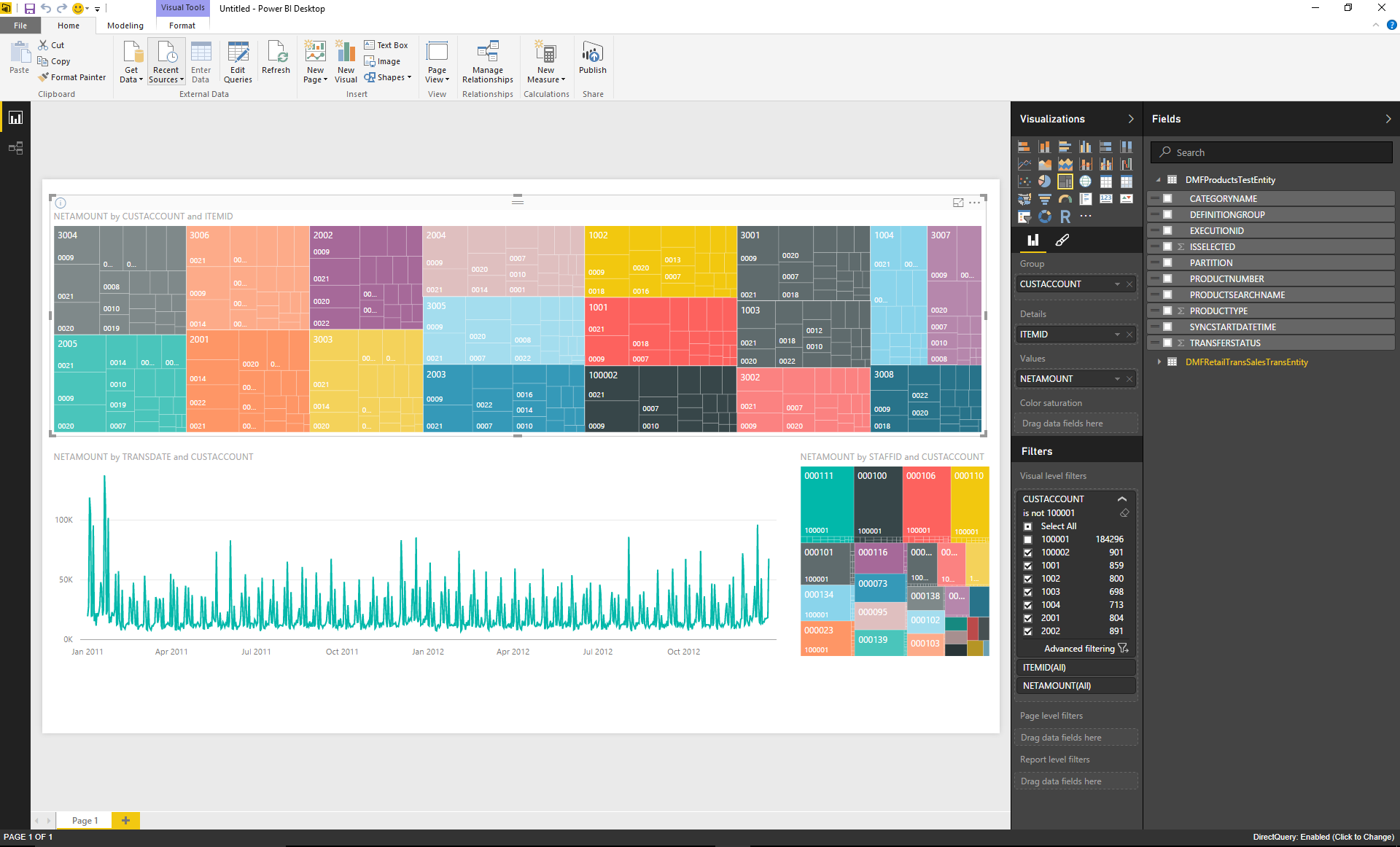
Discover the New Dynamics AX 2012 R3 Entity Store
In practically every Microsoft Dynamics AX installation, in any of its versions, we face the need to expose certain application data so that other systems can use it. Most often, though not only, reporting and Business Intelligence tools. To achieve this, we design more or less complete data warehouses and ETL processes to transform the transactional and normalized Microsoft Dynamics AX database into a data source better suited for efficient data reading.
Read more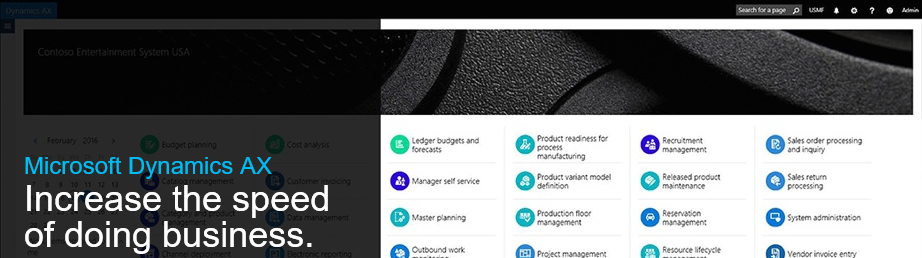
The New Microsoft Dynamics AX Ready to Take off
The New Microsoft Dynamics AX
Although we have been talking about the latest version of Microsoft Dynamics AX (aka “The new”, “AX 7” or “Rainier”) for some time, it was not until this week during the Microsoft Dynamics Technical Conference that a final version was released, pending the official launch we will see next week (more information here).
Some time ago I already published on this blog how to deploy on Azure a development/demo instance of the new Microsoft Dynamics, and the procedure hasn’t changed at all except that now we can see an option to deploy the final version. I recommend reviewing that article and start playing with it as soon as possible.
Read more